A baby milestone checklist worth journaling
Development checklists from paediatricians are for health tracking. This list is for the memory book: the moments you will want to reread.
0–3 months
- First time home; the first night
- First real smile (who got it?)
- First bath and how they took it
- Holding their head up; finding their hands
- The first laugh, ideally as a voice recording
4–8 months
- Rolling over, sitting up
- First food and the face they pulled
- First tooth
- Babbling that sounds like words; record it
- Favourite toy, song or book of the month
9–18 months
- Crawling, standing, first steps (the whole story)
- First word and what they meant by it
- Waving, clapping, pointing
- First birthday
- Funny mispronunciations; keep a running list
Beyond
- First sentence, first joke
- First haircut, first shoes
- Starting daycare or preschool
- Growth records: height and weight at each check-up
How to record a milestone so it is worth reading later
Use a simple formula for each entry: what happened, where you were, who saw it, how everyone reacted. Two or three sentences is plenty. Add the photo or video if you have one, and if the milestone has a sound (a laugh, a word) record a voice memory too.
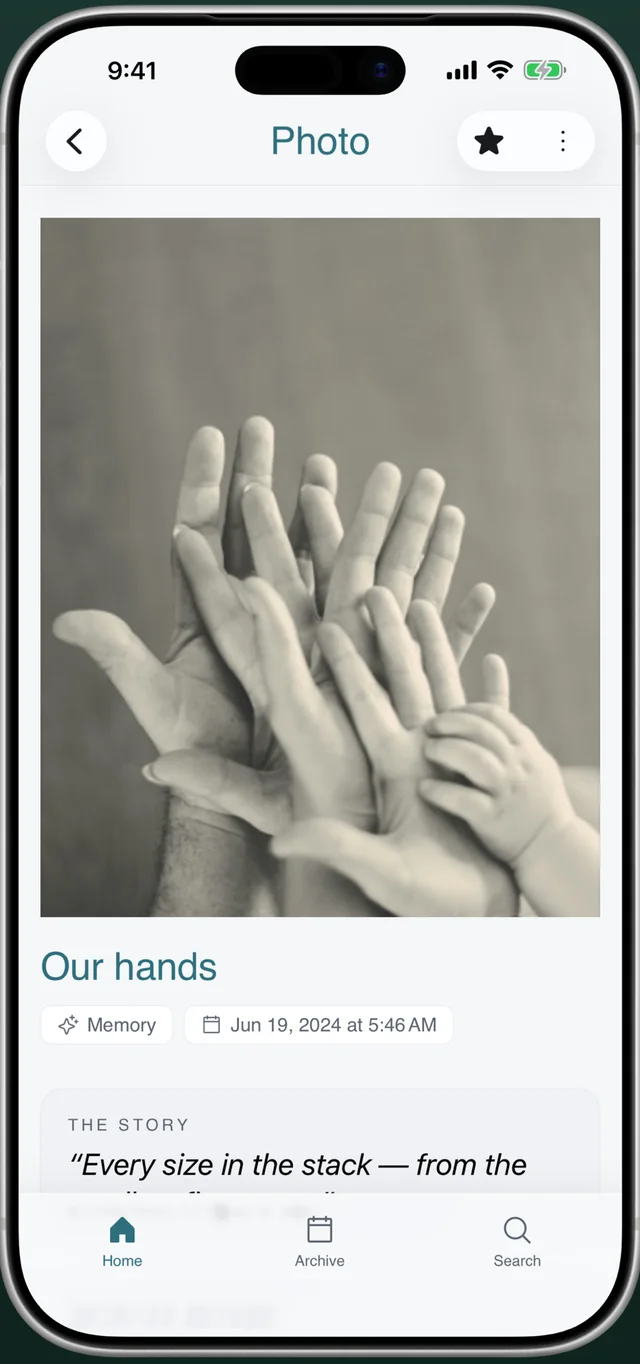
Everkeep is built for this: a single memory can hold photos, a video, a voice note and the story, and every entry is automatically stamped with your baby’s age in months. Tag it “milestone” and you can search for every first in a second. Growth records live alongside, so the first step and the 12-month measurements sit in the same chapter.
Looking Back (Everkeep Pro) resurfaces memories from this day and from months ago, which is how you notice that the first smile was exactly a year before the first “mama”.
How to log a milestone in Everkeep
Takes about thirty seconds, which matters when the milestone just happened and the baby is still wobbling.
- Capture the momentTap Photo or Video on the home screen if you caught it on camera, or Note if you did not. For a laugh or a word, tap Voice.
- Write the storyGive it a title (“First steps!”) and two or three sentences: where, who, how it felt. This is the part that fades fastest.
- Tag it “milestone”Add a tag so all firsts are one search away. Star it to add to Favorites.
- Fix the date if neededIf you are logging it later, change “When did this happen?” so it lands in the correct chapter with the correct age.
- Add growth recordsAfter check-ups, log height and weight in Growth so measurements sit next to the memories from the same month.
- Review by chapterOpen Archive → Chapters to see each month’s milestones together, or search “milestone” for the whole list.
Never forget the story behind a firstEverkeep stamps every memory with your baby's age. Free on iPhone and Android.
Baby milestone journal FAQ
Does Everkeep tell me which milestones to expect?
No. Everkeep is a memory journal rather than a developmental tracker, and it does not give medical guidance. Use your paediatrician’s checklist for health; use Everkeep to keep the story.
Can I log milestones for twins or siblings?
Yes. Each child has their own profile with their own chapters and age stamps. The free version includes one active profile; Everkeep Pro unlocks unlimited profiles.
Can I record the milestone's sound as well as a photo?
Yes. A single memory can hold photos, video and a voice recording together, so the first laugh can be heard, not just described.