Everkeep vs Tinybeans: the key differences
| Tinybeans | Everkeep | |
|---|---|---|
| Where memories live | Tinybeans servers, shared cloud feed | On your phone; no account, no server |
| Pricing | Limited free tier; premium subscription around $75/year | Free with unlimited memories; Pro $9.99 once |
| Family viewing | Invite family to a shared feed | Share single memories via Messages/WhatsApp/AirDrop, or send the PDF book |
| Ads | Ads reported in the free tier | None |
| Voice memories | Photo and video focus | Voice memos with on-device transcription |
| Keepsake | Printed products sold through the app | PDF memory book you print anywhere; memory movie export |
| Offline | Needs a connection to sync | Fully offline |
| Your data | Export on request | ZIP backup any time, standard formats |
The honest trade-off: Tinybeans is a sharing product, Everkeep is a keeping product. If your priority is a live feed for a large family group, Tinybeans does that. If your priority is that your child’s memories belong to you, cost a fixed amount and are never mined or paywalled, Everkeep is built for that.
Moving from Tinybeans to Everkeep
Everkeep does not connect to Tinybeans, so the move is manual, but it is straightforward: get your photos out of Tinybeans onto your phone, then bring them into Everkeep with the right dates. Everkeep Pro’s bulk import from Photos makes the backlog quick.
Do this before your subscription lapses, while export is still available to you.
How to switch from Tinybeans to Everkeep
Allow an evening for a year’s worth of photos; new memories take seconds from then on.
- Download your Tinybeans photosUse Tinybeans’ export or download options to save your photos and videos to your phone’s camera roll (or to a computer, then to your phone).
- Install EverkeepGet it free on the App Store or Google Play and create your child’s profile with their birthday.
- Import from PhotosUse Import from Photos. Everkeep reads the photo’s original date so it lands in the right month chapter; adjust any that need it. Pro unlocks a bulk import session for large libraries.
- Add the captions that matterYou do not need to caption everything. Add stories to the memories you would want in a book.
- Tell the family how sharing works nowInstead of a feed, you will send chosen moments through Messages or WhatsApp, and a PDF book at year end. Many grandparents prefer it.
- Cancel Tinybeans and back up EverkeepOnce your photos are safely in Everkeep, create a ZIP backup, save it off your phone, and cancel the subscription.
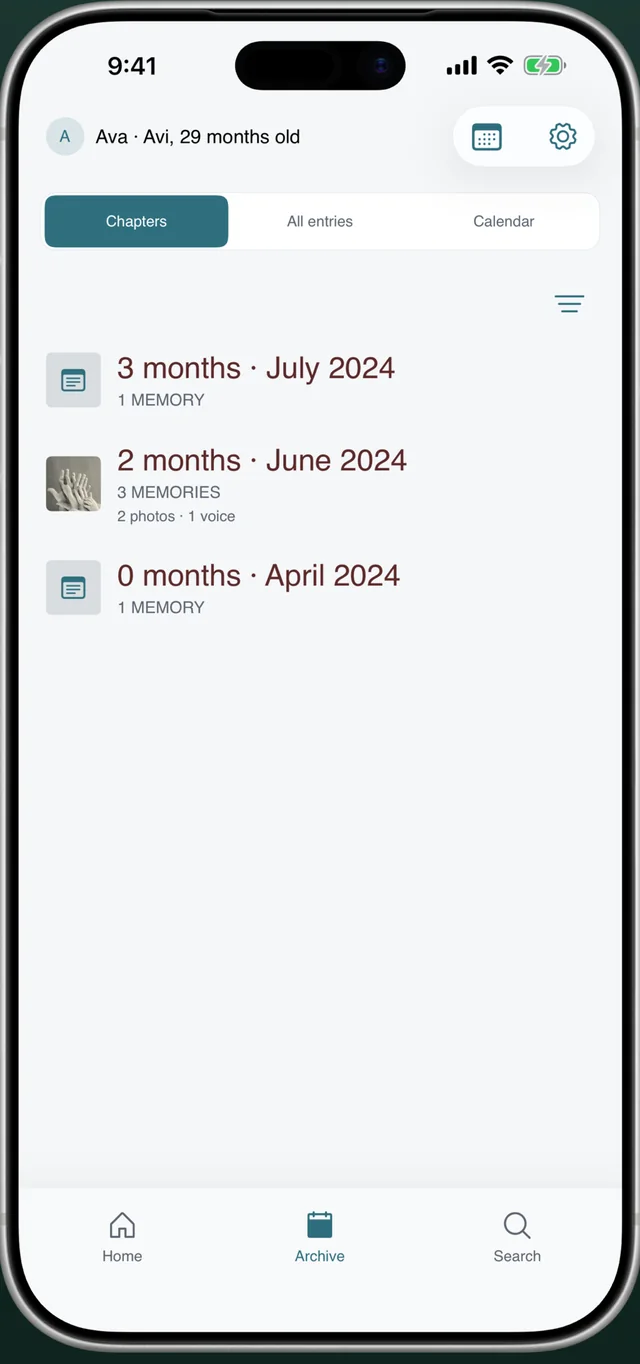
Own your baby's memories againNo feed, no ads, no yearly bill. Everkeep is free on iPhone and Android; Pro is $9.99 once.
Tinybeans alternative FAQ
Can Everkeep import directly from Tinybeans?
No. There is no connection between the apps. Export your photos from Tinybeans to your camera roll, then import them into Everkeep, which reads the original dates.
How will grandparents see new photos without a feed?
You share the moments you choose through the apps they already use (Messages, WhatsApp, email, AirDrop), and send the PDF memory book at milestones. Nothing sits on a platform in between.
Is Everkeep affiliated with Tinybeans?
No. Tinybeans is a trademark of its owner. Everkeep is an independent app by Deximo Apps, and this comparison reflects publicly available information as of 2026.